





The Ultimate Tactical Saga Reborn, 『Genesis War』
Greetings, this is GM Azidahaka.
The World Map in Genesis War serves as the central hub for story progression and access to a wide variety of content.
This guide introduces the basic structure and key features of the World Map,
helping you navigate the story and game content more smoothly.
Use the information below to explore Antaria and enjoy your journey through the World Map.
[World Map]
On the World Map, you can progress through the main story and access a variety of game content.
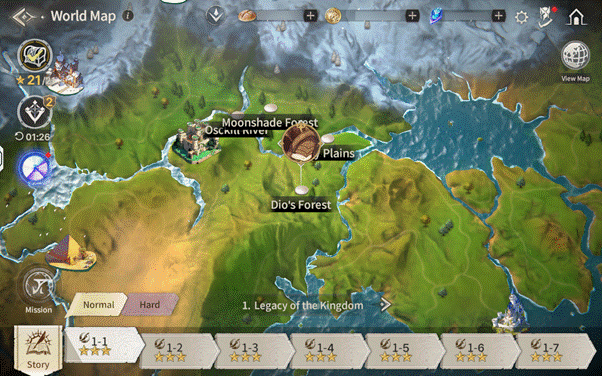
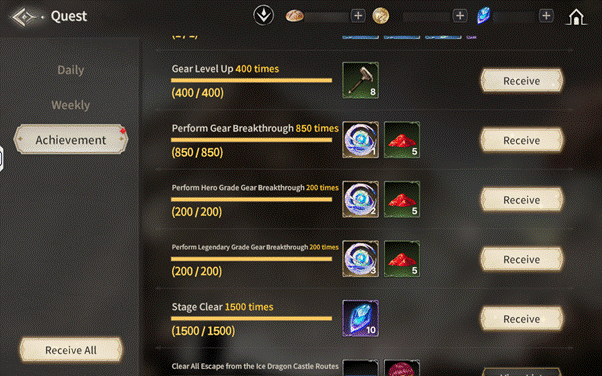
By advancing through the story, you can earn Achievement Rewards,
which can be checked from the [Quests] menu located at the top-left of the Lobby.
Clear story chapters and claim a wide range of rewards along the way.
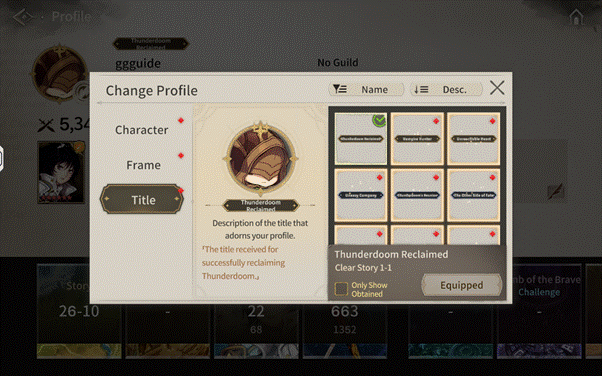
In addition, clearing certain Story or Mission chapters will reward you with Profile Titles that can be used to customize your profile.
Earned titles can be viewed by tapping the [Profile Icon] at the top-left of the Lobby.
Collect different titles and show off your unique style as a Guardian!
[STAGE]
In Stages, you can progress through the main story while engaging in strategic battles.
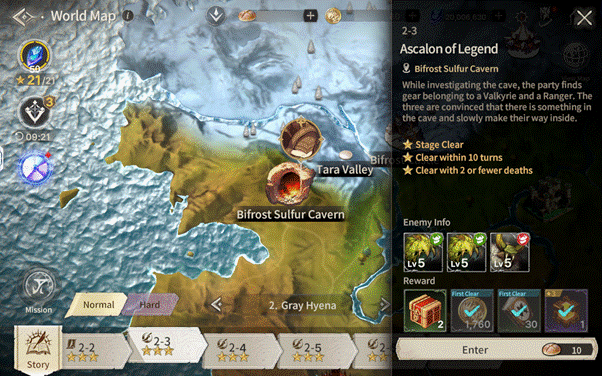
Each stage has specific ★ Achievement Conditions. Meeting these conditions allows you to earn ★ Rewards.
Clearing a stage with a 3-star (★★★) rating ensures you receive the maximum rewards available for that stage.
[[Stage Cumulative Rewards]
Stage Cumulative Rewards are special bonuses granted based on the total number of ★star you have collected across various stages.
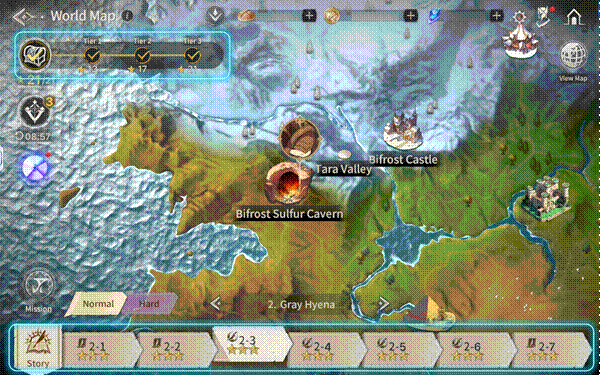
There are three tiers of cumulative rewards available.
If you successfully clear every stage with a 3-star rating, you will be able to claim the final tier reward for that chapter.
[Missions]
After clearing Story Stage 2-3, you can access Missions through the World Map.
In Missions, you can experience hidden stories that were not revealed in the main plot.
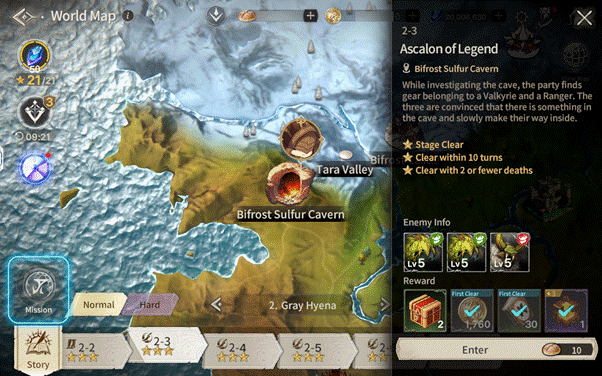
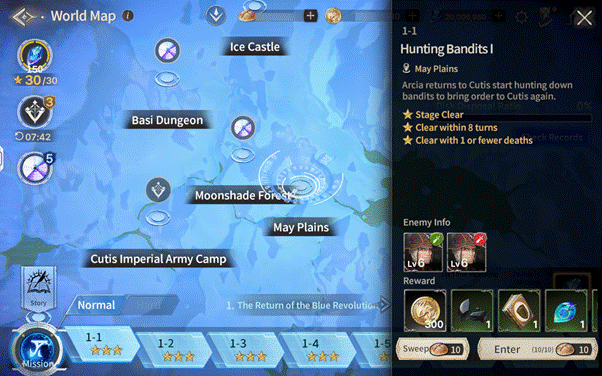
Missions are divided into two difficulty levels: Normal and Hard.
Hard Difficulty becomes available after clearing Normal Stages 1–10.
Clearing Mission stages allows you to obtain materials required for Class Advancement (Rank-up).
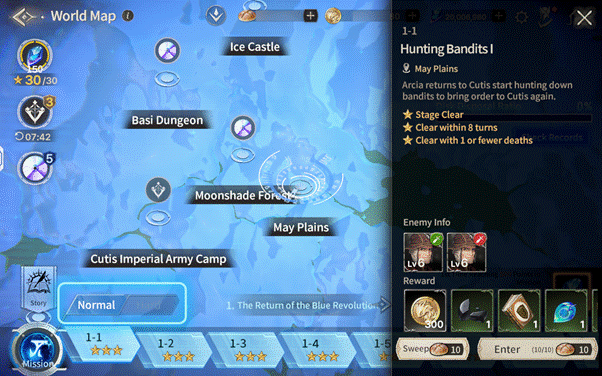
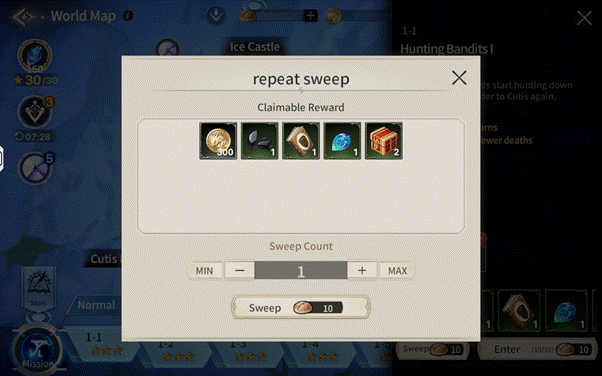
If you achieve a 3-star clear on a Mission stage, the Sweep function becomes available.
Please note that there is a set limit on daily entries.
When using the Sweep function, you can adjust the number of repetitions and preview the rewards you will receive beforehand.
[Emergency Missions]
Emergency Missions are a special type of content that becomes available once you reach Authority Level 20.
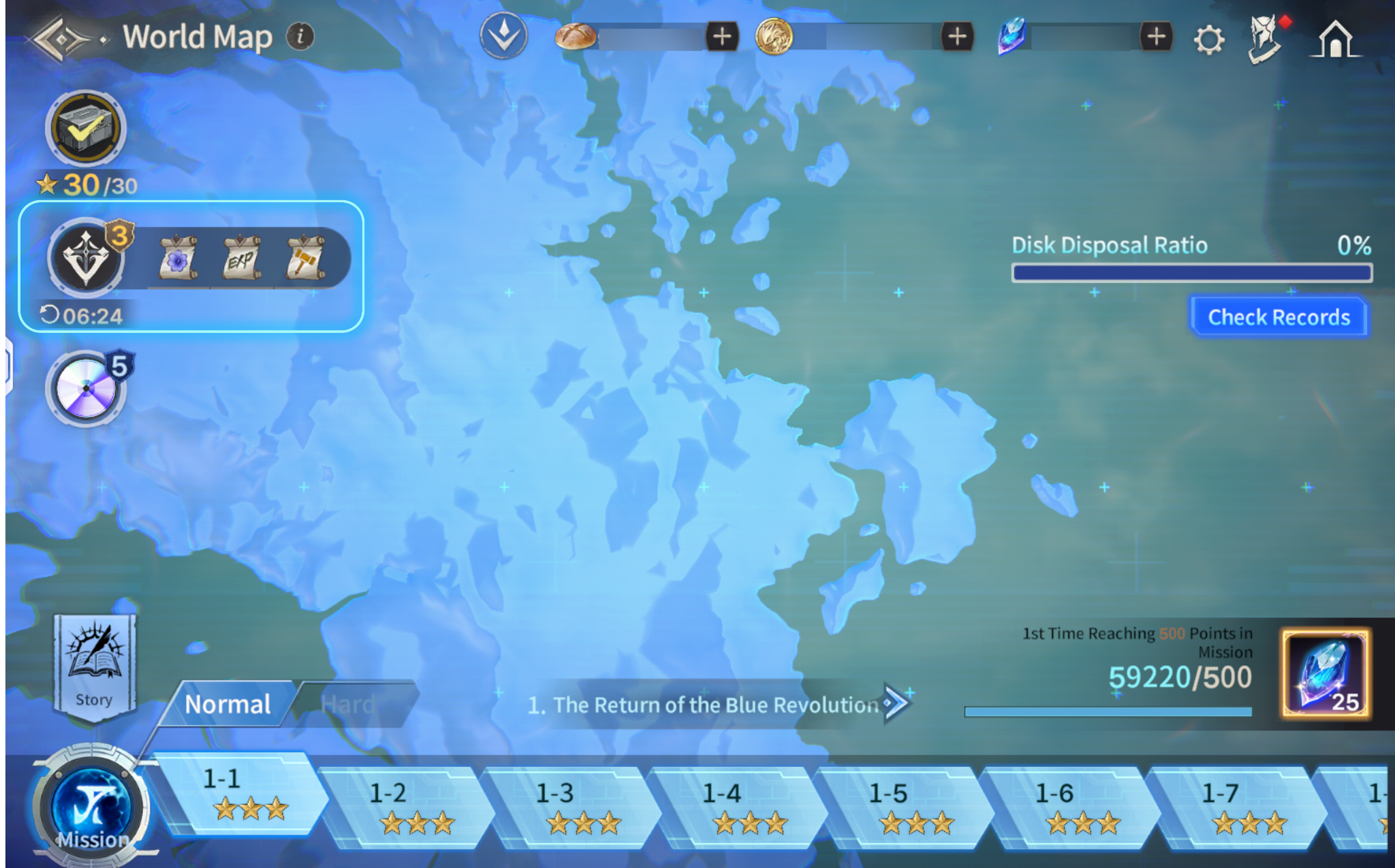
Within the [Mission] tab on the World Map, one new Emergency Mission is added every 10 minutes.
If you clear or forfeit an Emergency Mission, a new one will generate again after 10 minutes.
You can hold up to 5 Emergency Missions simultaneously.
The level of appearing monsters is scaled in proportion to your Authority Level.
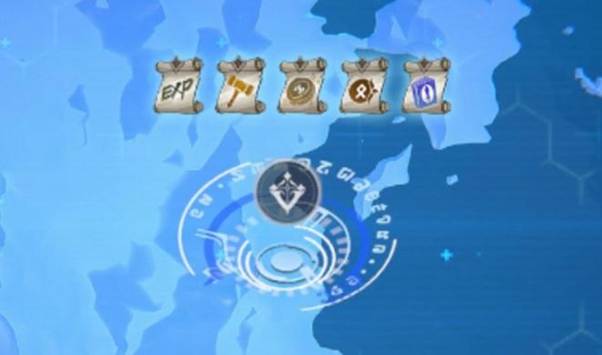
You can earn various items through these missions, including Eld, Gear, and Tomes of Experience.
Emergency Missions also feature Sweep and Forfeit functions.
The Sweep function is only available if you have previously cleared that specific stage,
allowing you to obtain rewards immediately without entering battle.
※ All images in this notice were captured in a test environment.
※ Actual in-game images may change depending on the update.

Move to the Login page?
Move to the login page?
두줄일떄 텍스트
등록한 상품 바로가기(링크)두줄일떄 텍스트
등록한 상품 바로가기(링크)두줄일떄 텍스트
등록한 상품 바로가기(링크)Your Game ID (NID) can be found in your game profile or settings.